What most people know
A camera that plugs into an outlet and joins your Wi-Fi. It works well close to the building, where power and a signal are easy to get.
From your driveway to the HOA entrance, the fields beyond and the factory perimeter. We help put the right eyes in the right places—with the power and connectivity to make it work.
Yonder Eyes is an authorized AT&T partner. We help HOAs, apartments, construction sites, dealerships and property managers choose, connect and activate solar 4G devices, starting with cameras, and we tell you when Wi-Fi is the better fit.
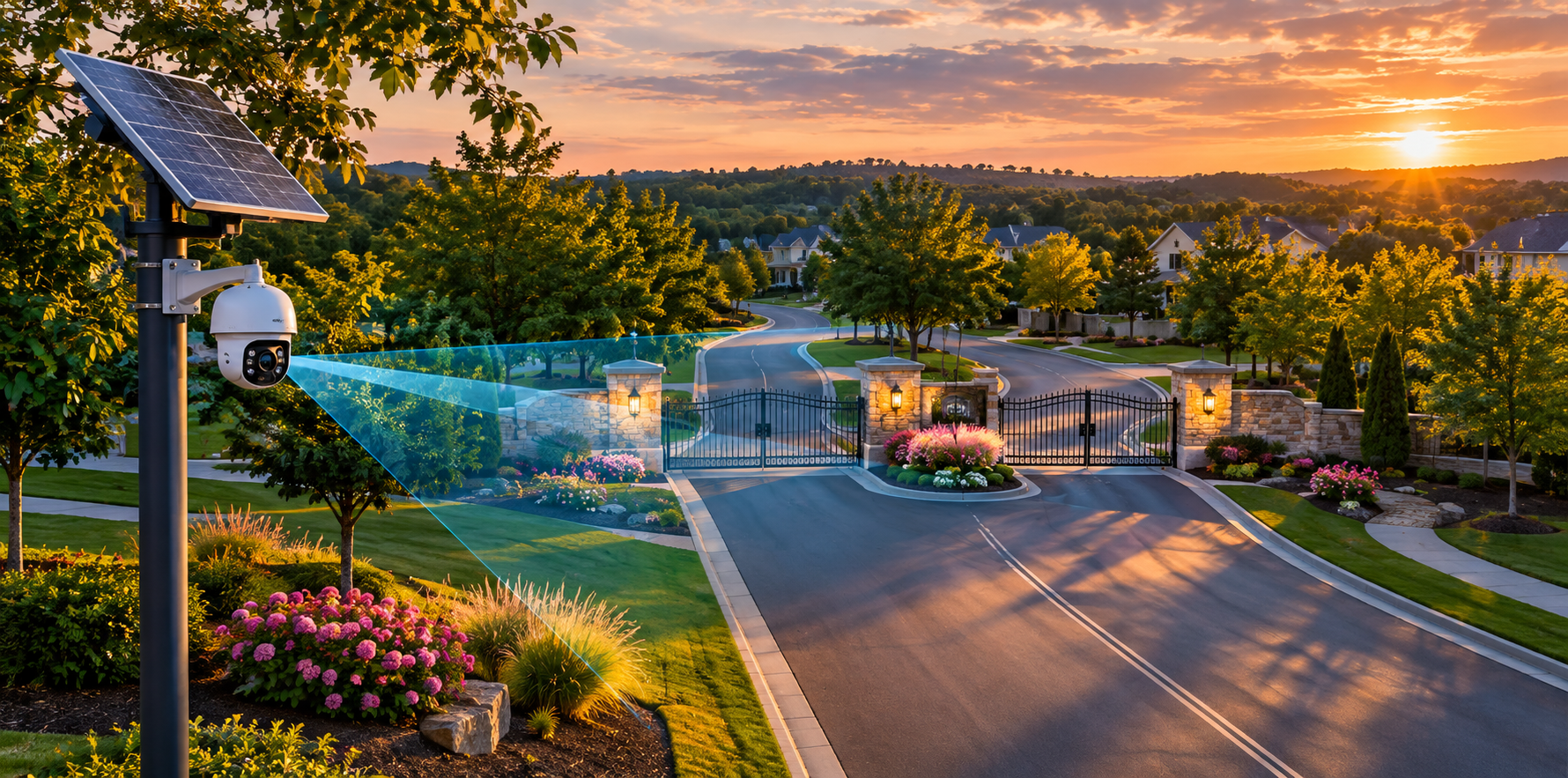
Security doesn't stop at the building. We help you design the view you need—from parking lots and entrances to the farthest edge of your property.
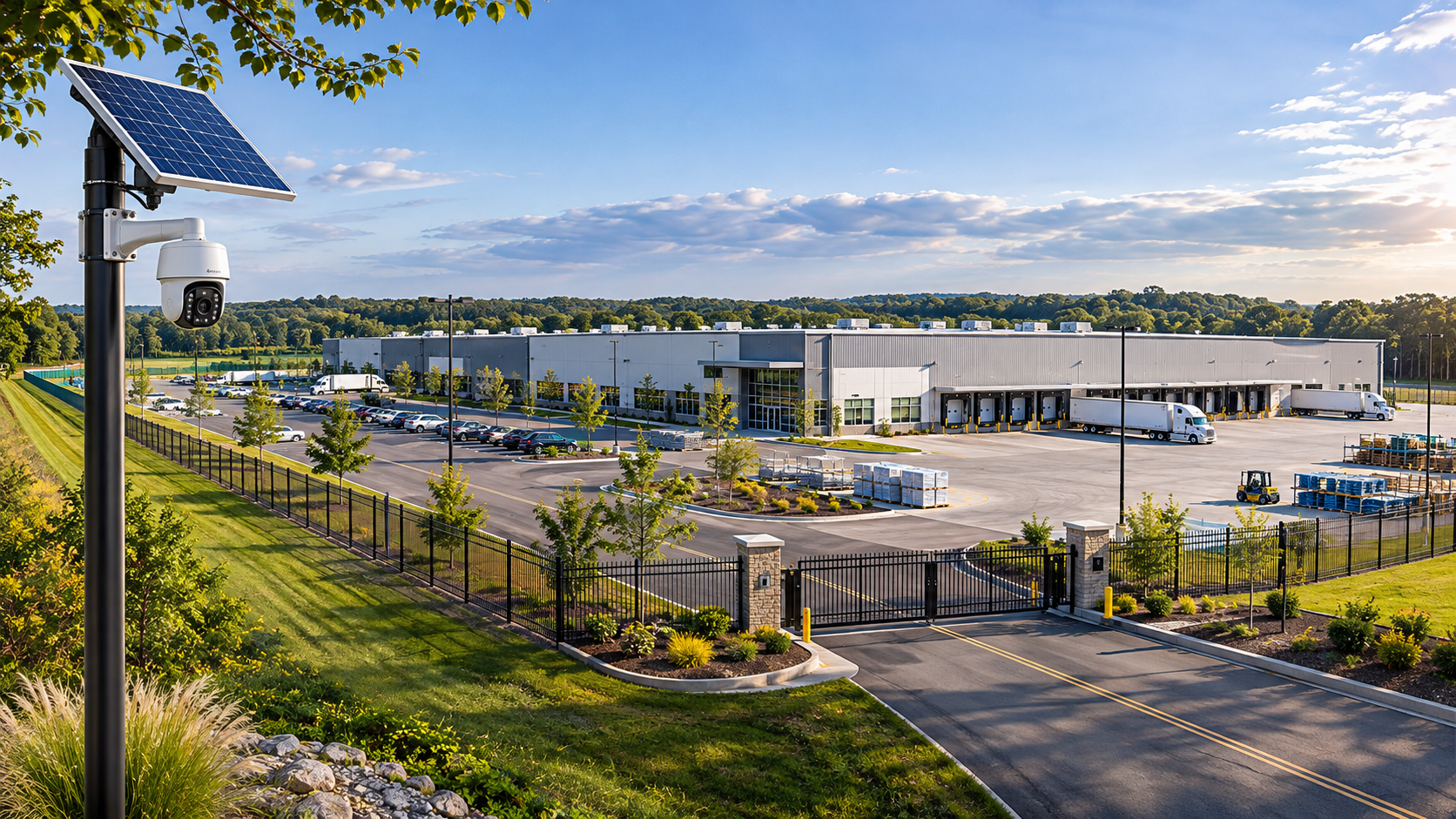
Conceptual images illustrate possible placements, not verified installations or guaranteed camera coverage. Site conditions, permissions, privacy, cellular service and solar exposure must be assessed.
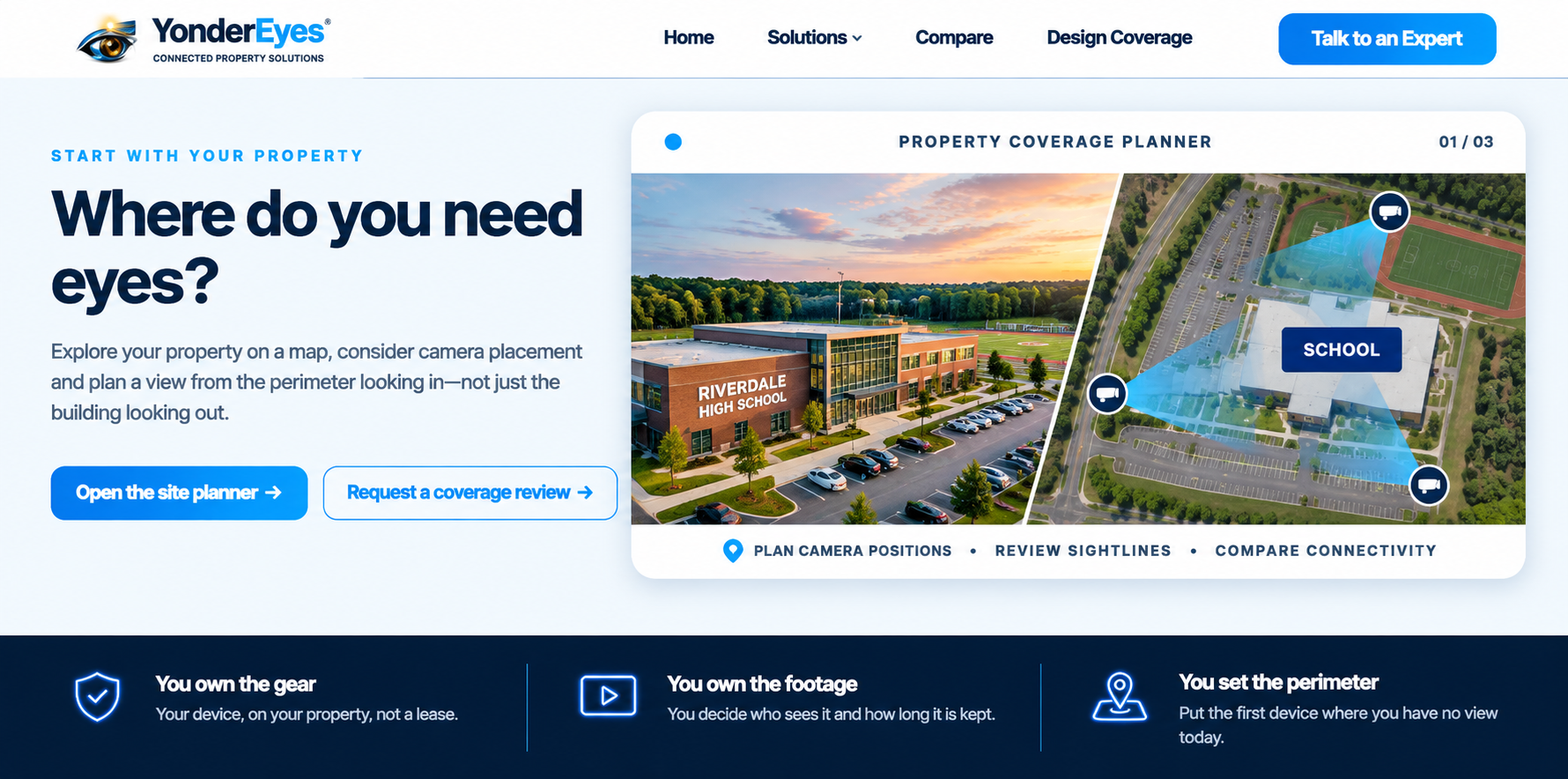
Explore your property on a map, consider camera placement and plan a view from the perimeter looking in—not just the building looking out.
Most people know one kind of camera: the Wi-Fi camera. It is a good choice near the building. It is not built for the places that matter most at the edge of a property.
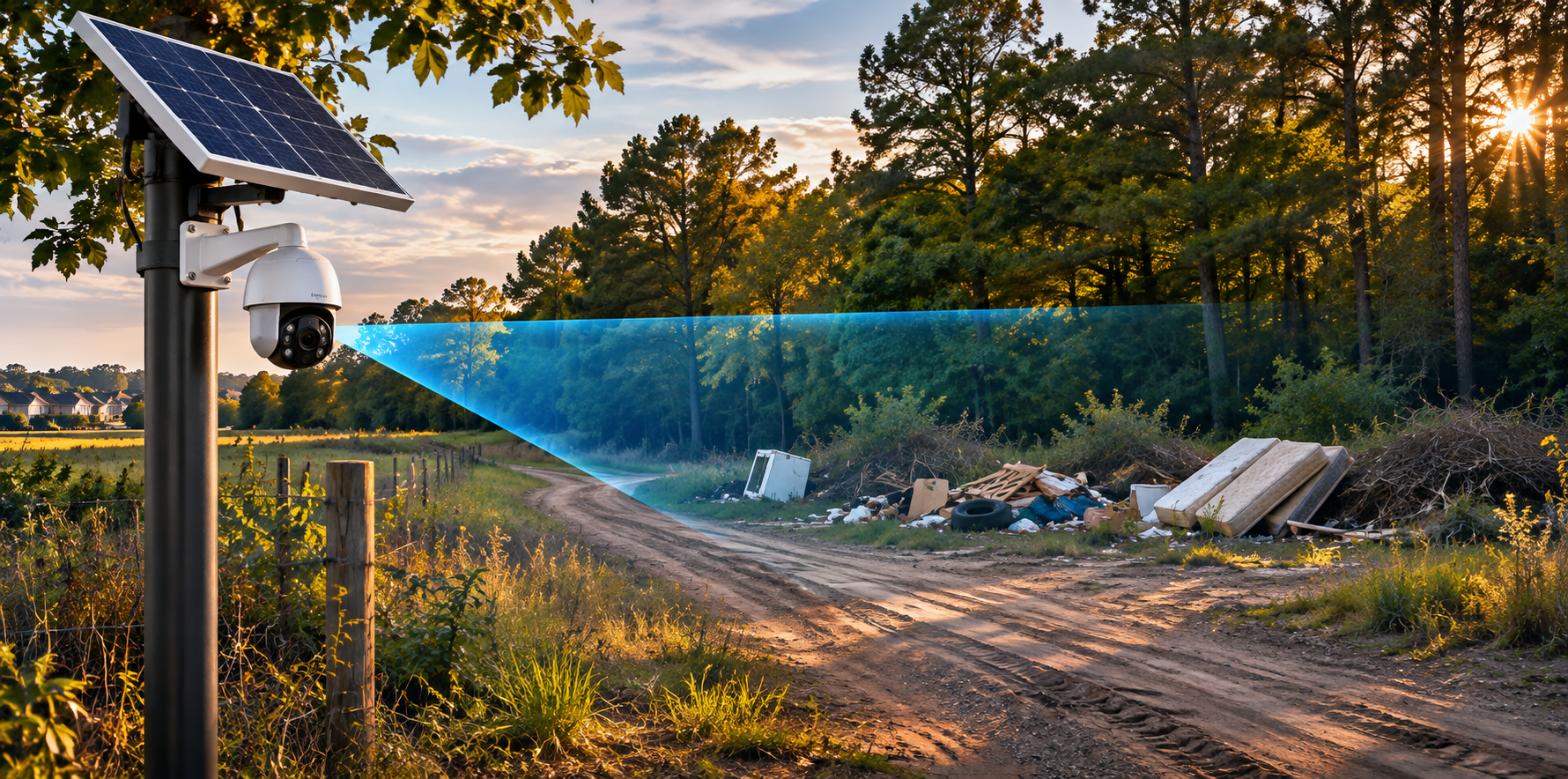
A camera that plugs into an outlet and joins your Wi-Fi. It works well close to the building, where power and a signal are easy to get.
It needs both a power source and a router signal at the camera. Past the reach of either, the entrance, the lot edge or the fence line becomes a blind spot.
A solar-powered camera on AT&T cellular needs no outlet and no router. Where there is AT&T coverage, you can place it where you want the view.
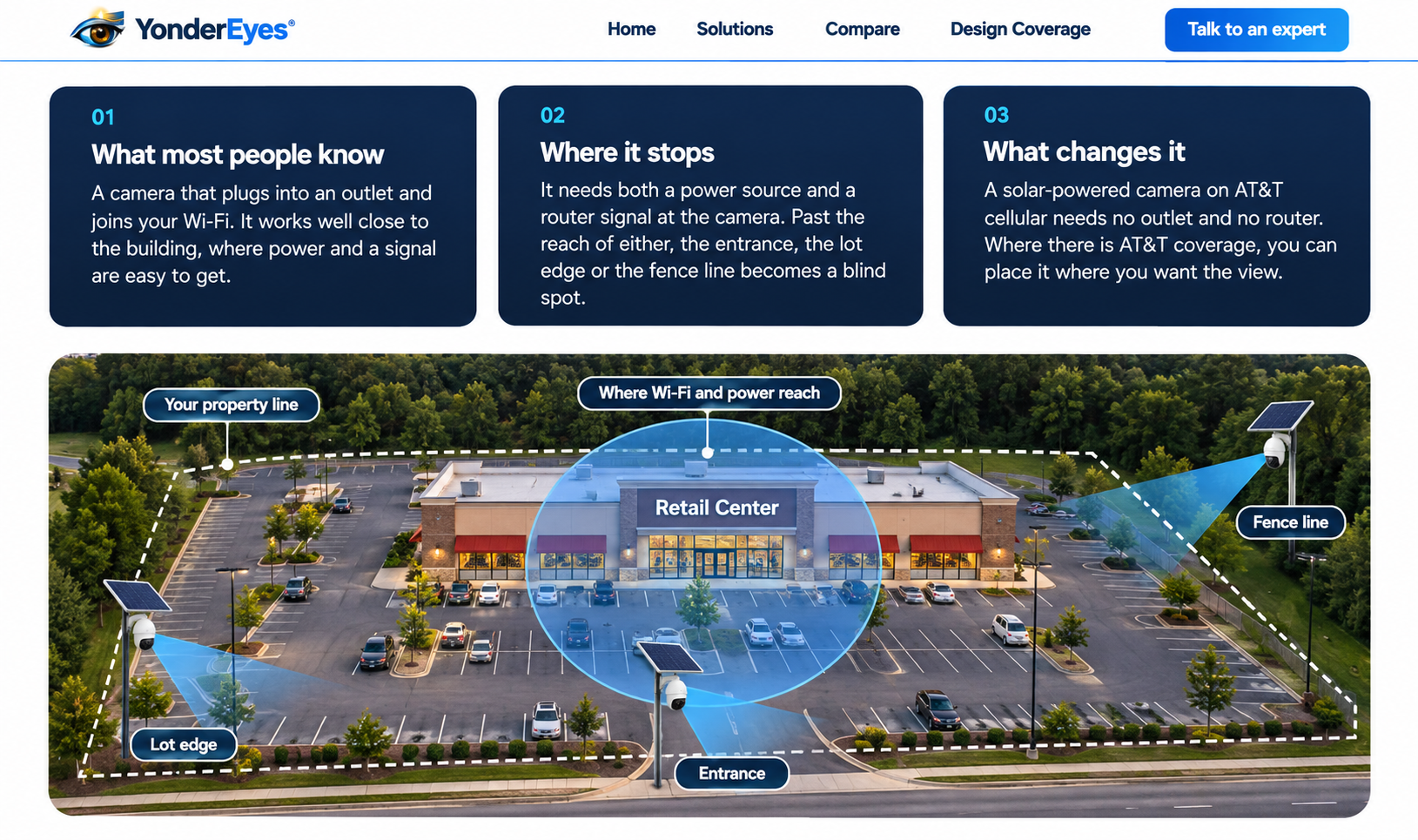
Most devices go where power and Wi-Fi already are: on the building, looking out. Solar and cellular let you flip the view, and the camera is the first example.
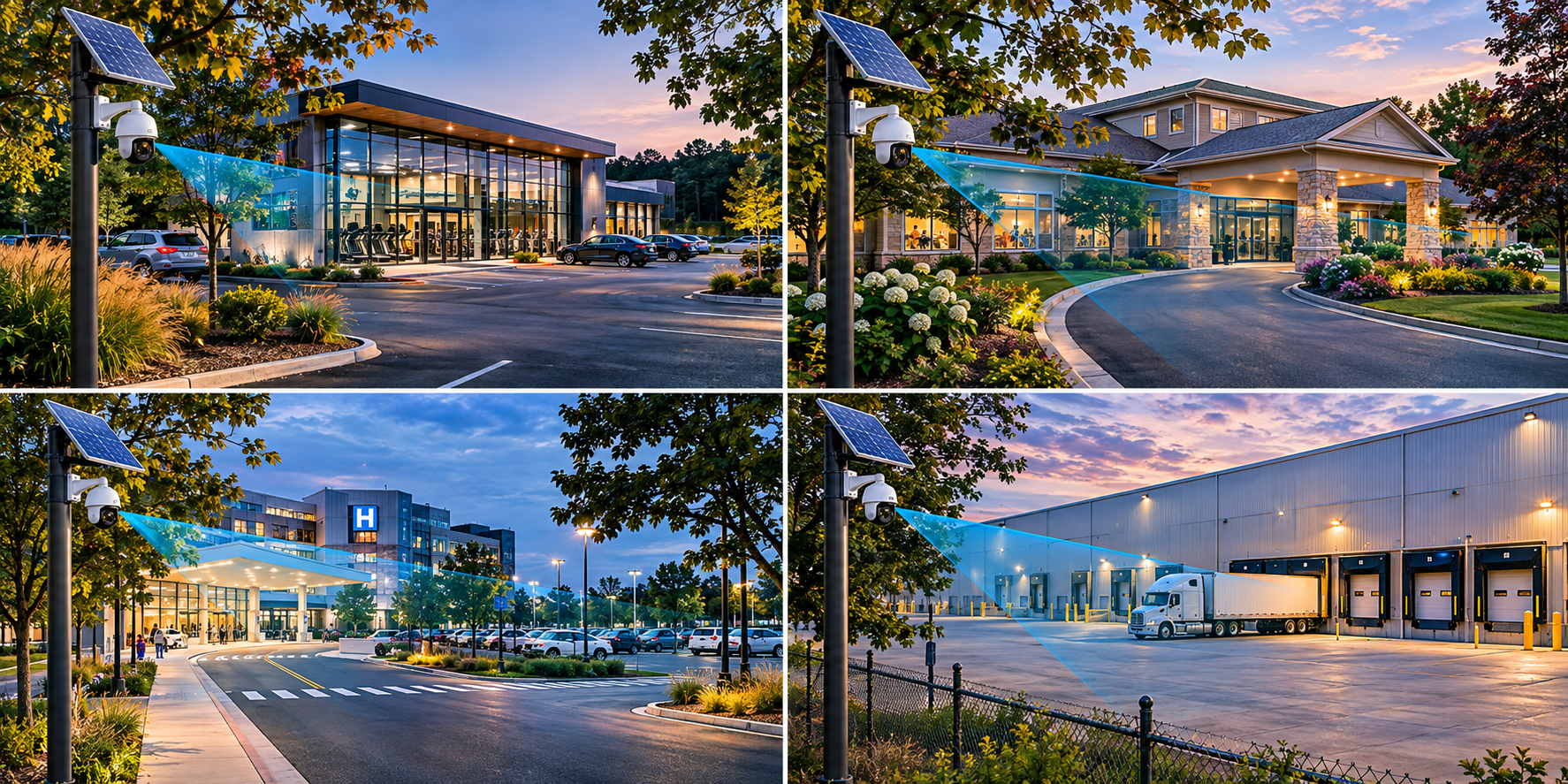
Cameras mounted at the building, looking out. Your view is limited to what the building's power and wiring can reach.
Solar and cellular cameras placed out at the perimeter, such as the entrance, the edge of the lot or the fence line, looking in toward the property. You see who is coming before they reach your door.
Cellular carries the data back to you without running wire to the device, so you can see the perimeter from wherever you are.
Solar power and AT&T cellular mean no outlet and no router at the camera.
Entrances, lot edges, fence lines and vacant property are often past the reach of power and Wi-Fi.
You buy the device and you decide how it is used.
Connectivity comes from a national carrier, and we help you get it set up.
The right camera depends on the spot, not on what we happen to sell.
Put a device at the entrance, looking in toward the property.
Plan this spot →The back of a lot is often past the building's power and Wi-Fi. A solar cellular device can sit where the problem is.
Plan this spot →Vacant land, equipment yards and remote edges can be connected without a wiring project.
Plan this spot →Start where the work is, without running power for a camera, and move it when the job moves.
Plan this spot →When a claim, a dispute or a loss comes up, the record decides what can be shown. Cameras at the building start the record at the door. A camera at the perimeter starts it before the problem arrives.
License-plate systems changed neighborhood security by making difficult locations visible. But many boards and residents do not get a clear comparison of what is collected, who controls it, how long it is kept and what the ongoing commitment costs.
Entrance visibility, illegal dumping, pool access, parking disputes or a remote construction area each call for a different camera design.
Understand local video storage, cloud services, plate recognition, sharing, retention and who can access the footage.
Use solar and cellular where power or Wi-Fi is impractical, and Wi-Fi cameras where the network is dependable.
Yonder Eyes helps buyers match the location, risk and operating model to the right camera and connection.
We help you think through the location, power, connectivity, image requirements, privacy expectations and recurring cost—then recommend Wi-Fi, cellular or a combination.
From a solar-powered camera at the property line to fiber at the office and wireless connectivity for people in the field, YonderEyes helps connect the entire operating environment.
Extend visibility to entrances, equipment, parking, remote assets and perimeter blind spots using solar, cellular or Wi-Fi cameras where appropriate.
Explore connected things →Match offices, jobsite trailers and distributed properties with fiber, fixed wireless, cellular or satellite connectivity—including Starlink where suitable.
Explore connected places →Support mobile teams and field operations with practical wireless access, connected devices and resilient network options that fit the environment.
Discuss your workforce →